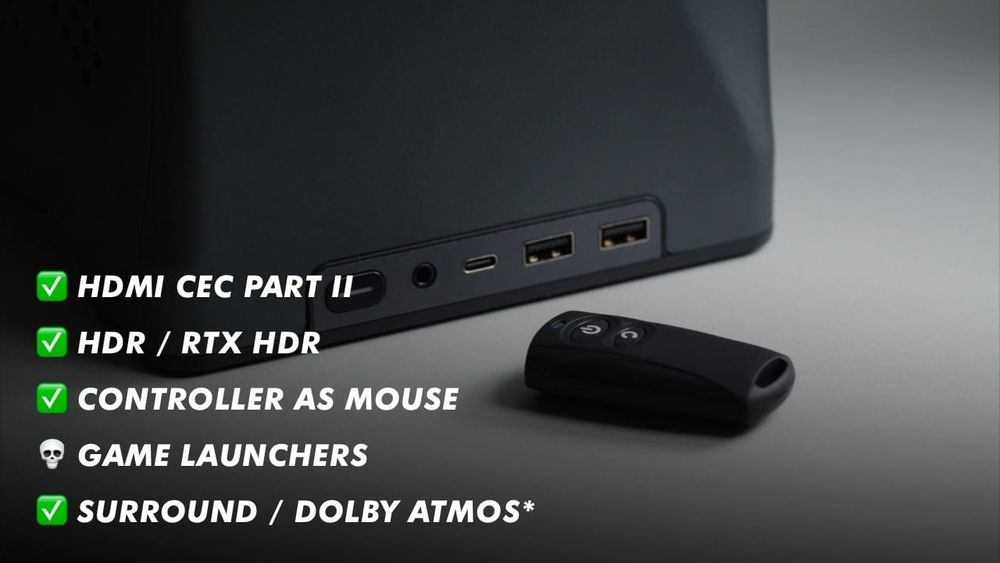
In this video, we'll go through 5 additional tips on how to improve your living room gaming PC! Especially if you've watched my previous video on the subject, but these tips might help anyone who wants to control their PC as lazily as possible in the living room. 🙂
# Previous Videos 📺
Building A Living Room Gaming PC: https://youtu.be/H-uMC9W5yD4
How I Turned My PC Into A Gaming Console: https://youtu.be/xpki1IcjinU
A fantastic write up / tutorial doing the same and more by Sahbito: https://www.reddit.com/r/Bazzite/s/cLgIaeFPwh
# Things shown 🛍️
HDFury Arcane 2: https://hdfury.com/product/8k-arcana-vrr-40gbps/
Windows HDR Calibration: https://apps.microsoft.com/detail/9n7f2sm5d1lr?hl=en-US&gl=US
Nvidia HDR Remix Tutorial: https://www.reddit.com/r/nvidia/comments/1axr8nj/setup_guide_for_hdr_including_new_settings_for/
RTX HDR vs AutoHDR vs Special K: https://www.reddit.com/r/OLED_Gaming/comments/1cmfjq7/rtx_hdr_vs_autohdr_vs_special_k/
SilverStone SST-ES02-USB (Remote): https://geni.us/qY9Ai7
DualSense App (DSX): https://store.steampowered.com/app/1812620/DSX/
Controller Companion: https://store.steampowered.com/app/367670/Controller_Companion/
Razer Wolverine V3 Pro: https://www.razer.com/console-controllers/razer-wolverine-v3-pro
AXEE Xbox Wireless Dongle: https://geni.us/WqSC
Dolby Acess App: https://apps.microsoft.com/detail/9n0866fs04w8?hl=en-US&gl=US
List of Games with Dolby Atmos: https://www.pcgamingwiki.com/wiki/List_of_games_that_support_Dolby_Atmos