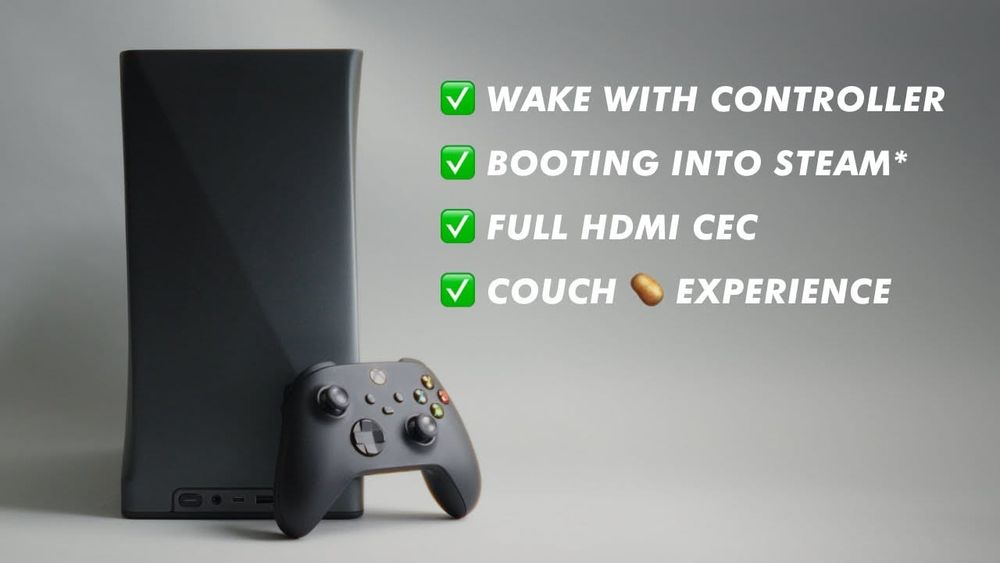
Ever since I moved my gaming PC into the living room, I wanted to complete the experience by trying to make it behave as close to a gaming console as I possibly could.
That means, having my controller be able to wake it, have it launch into Steam's big picture mode, and having my AV-Receiver and TV turn on as well as switch to it.
Did I succeed? Yes, and better than I had anticipated.
Pulse-Eight HDMI CEC Adapter: https://www.pulse-eight.com/p/104/usb-hdmi-cec-adapter
Pulse-Eight CEC Library: https://github.com/Pulse-Eight/libcec/releases
CEC Codes: https://www.cec-o-matic.com/
Bazzite: https://bazzite.gg/
Playnite Launcher: https://playnite.link/
Tutorials 📖
A fantastic write up / tutorial doing the same and more by Sahbito: https://www.reddit.com/r/Bazzite/s/cLgIaeFPwh
Enable Auto Login on Windows: https://learn.microsoft.com/en-us/troubleshoot/windows-server/user-profiles-and-logon/turn-on-automatic-logon
Boot Straight into Steam without Windows Explorer: https://www.reddit.com/r/Steam/comments/198vqqe/tutorial_how_to_boot_windows_directly_to_steam/
Disable GameBar in Windows 11: https://recorder.easeus.com/screen-recording-resource/disable-xbox-game-bar.html#:~:text=On%20the%20left%20Settings%20panel,it%20will%20not%20pop%20up.
Batch Script Tutorial for HDMI Adapter: https://support.pulse-eight.com/support/solutions/articles/30000027391-turn-on-off-tv-using-usb-cec-adapter-windows-batch-script-
Scheduling Windows task after wake: https://superuser.com/questions/1662847/how-to-schedule-a-windows-task-on-wake