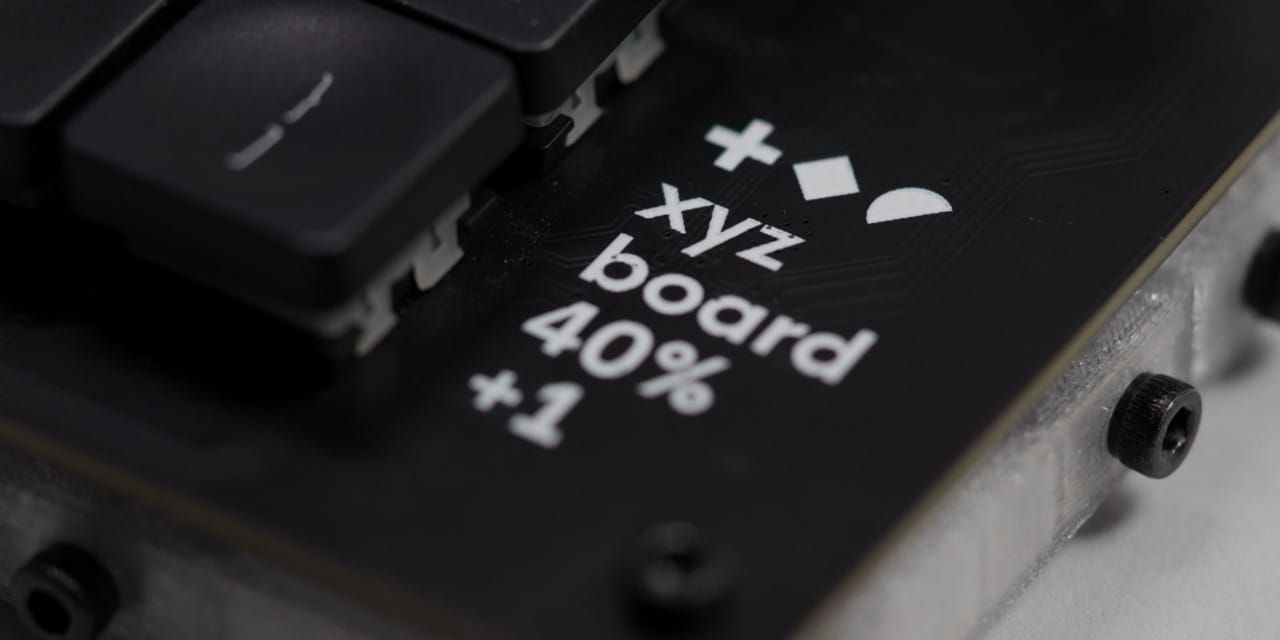
TL;DR Every WorkLouder board I reviewed ended up in the drawer of forgotten keyboards. The XYZ is the first one I kept using, even though it ships with a 48th key the spec sheet refuses to admit exists. So I went and freed it.
The Drawer Of Forgotten Keyboards
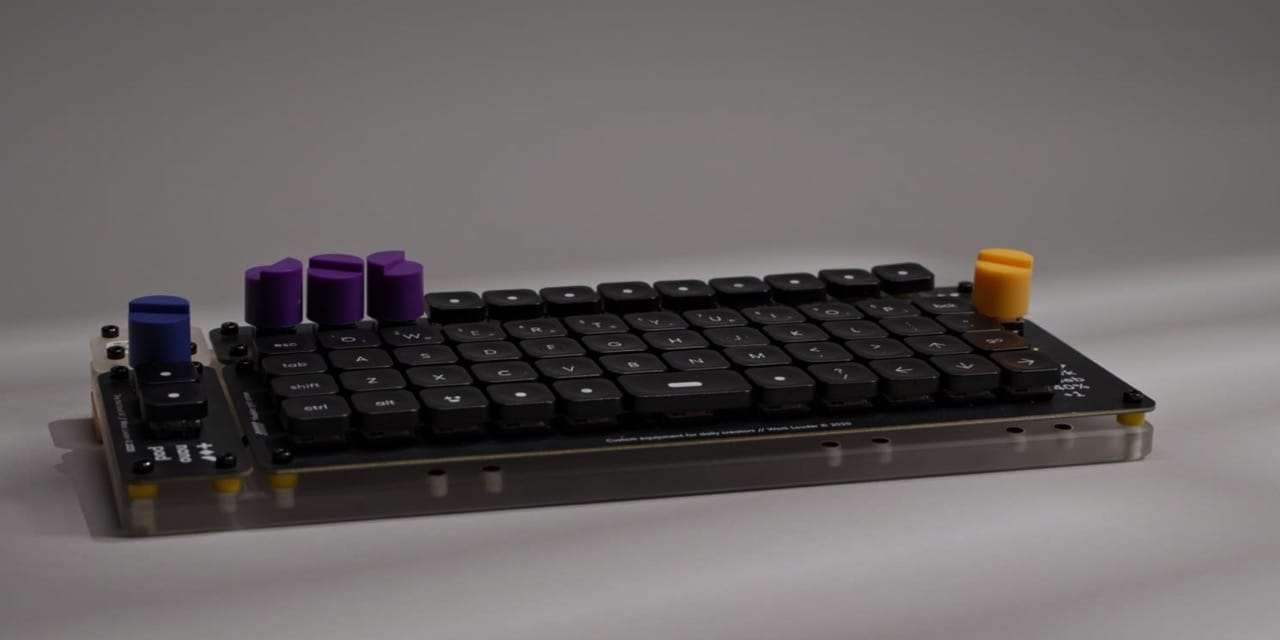
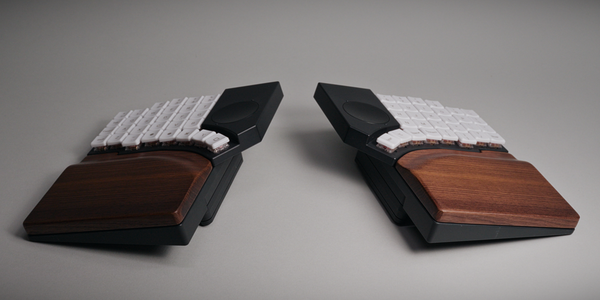
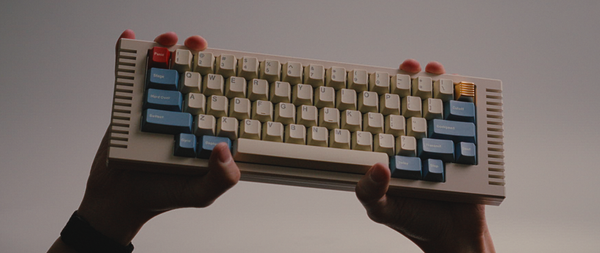
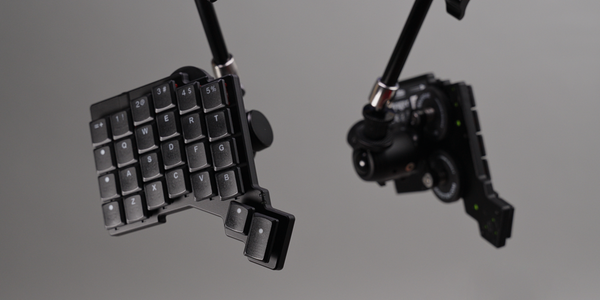
From all the keyboards that I had ever used, the WorkLouder ones were certainly the least recurring devices on my desk. Truth be told, I never picked them up again after a video, apart from the occasional photo op of course. They seem to be eternally confined to the drawer of forgotten keyboards.
However, this fate might not befall the XYZ, as it's the first keyboard of their lineup that I genuinely liked using, even past the review period. It's not perfect though, there are some kinks, with one being a particularly big head scratcher. It uses two switches for the spacebar, both of which are wired up, but only one is configurable. The second is locked behind software bars and un-assignable. Well, not if I can help it.
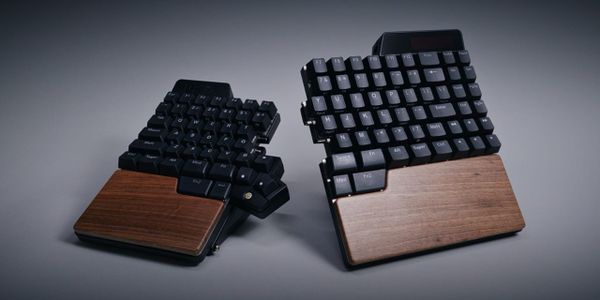
If you ignore the Micro and the semi spin-off that is the Knob1, I believe the XYZ is WorkLouder's third full keyboard. Well, 40% if we're being honest. Ignoring iterations of course, which this one is too, as it is labelled as the r2. At first I was a bit confused. Was there ever an XYZ r1? How could I have missed that? But it turns out that the r1 is actually the Creator board itself.
You see, it shares the exact same dimensions as the 40% keyboard portion of it, and can even be retro-fitted into the framing of the original. But it doesn't stop there, you can hook it up too, and power it through the original's USB-C port without any issues, making this fully backwards compatible. Well, kind of. Since this one uses a different chip, an ESP32, which is also found on the NomadE by the way, it is not QMK or VIA compatible. The chip simply doesn't support it.
So if you connect it through the base of the original Creator board, you actually end up with a weird Frankenstein of a configuration scenario, whereas the macro pads are configurable via QMK, while the new keyboard requires Input, WorkLouder's proprietary software. Fascinating stuff here, but I'd reckon there won't be that many people in this situation. It's more likely that most will buy this without having owned the original.
Which Variant To Get
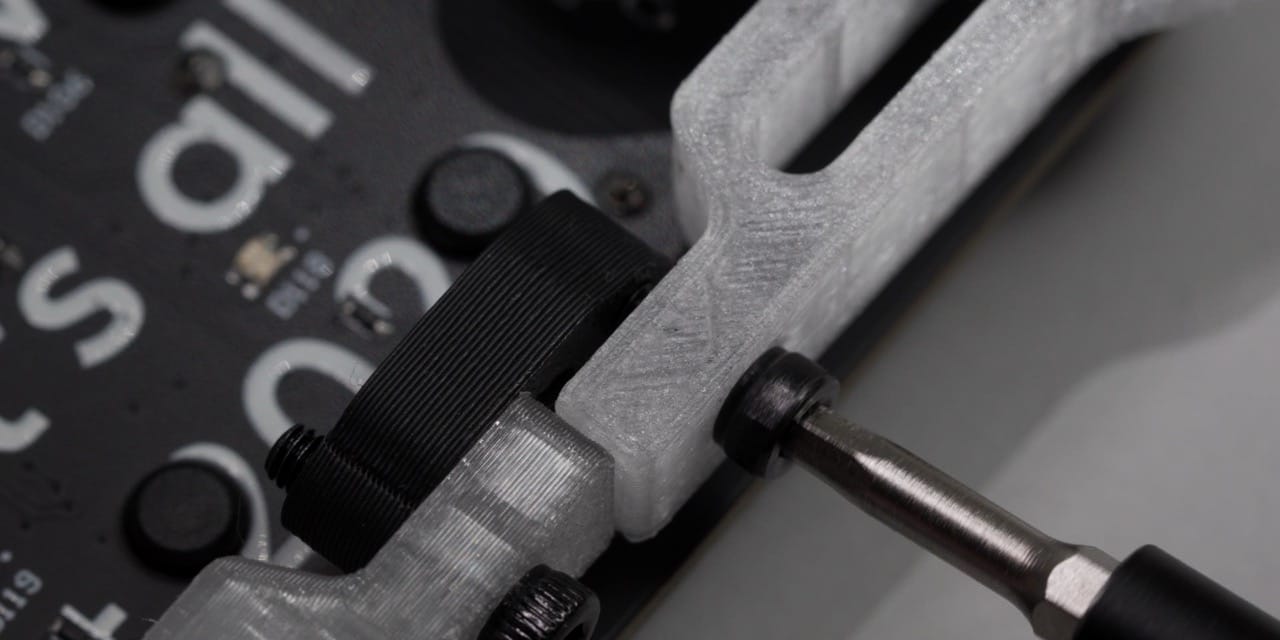
There is the option to get the PCB-only variant for $69 though. However, this one is sold as being a DIY variant that lets you print out the feet yourself, so it's not an upgrade kit. The other variants are self contained, with a fully built unit for $114, and a build it yourself version with all the parts for $89, which I got.
If I had a 3D printer I would have certainly gone for the $69 version, but alas, I am terrified of the inevitable consequences of that rabbit hole. So, the middle one it was, and I'd recommend that one too, considering that you're getting keycaps, although blank ones, switches and the board itself. I wouldn't recommend the $114 version, as putting it together was extraordinarily easy, even though I totally got it wrong on the first try. Intelligence be damned.
This was in no way a fault of the instructions, as they were very well done, just like the ones for the Creator and the NomadE. Considering the size of the company, it's something I praised in the past too, and I'd give kudos to them again for making the onboarding process this polished.
Unlike the Creator board though, which can be set up to your liking, the XYZ is a one configuration solution. It's an assembly process, not a customization. There are the feet, the braces, the washers, and the screws, which are going directly into the plastic, possibly wearing it out if you repeatedly disassemble and re-assemble the board. Not that there would be any need for this, as everything is still very much exposed after the build.
A PCB With Feet Attached
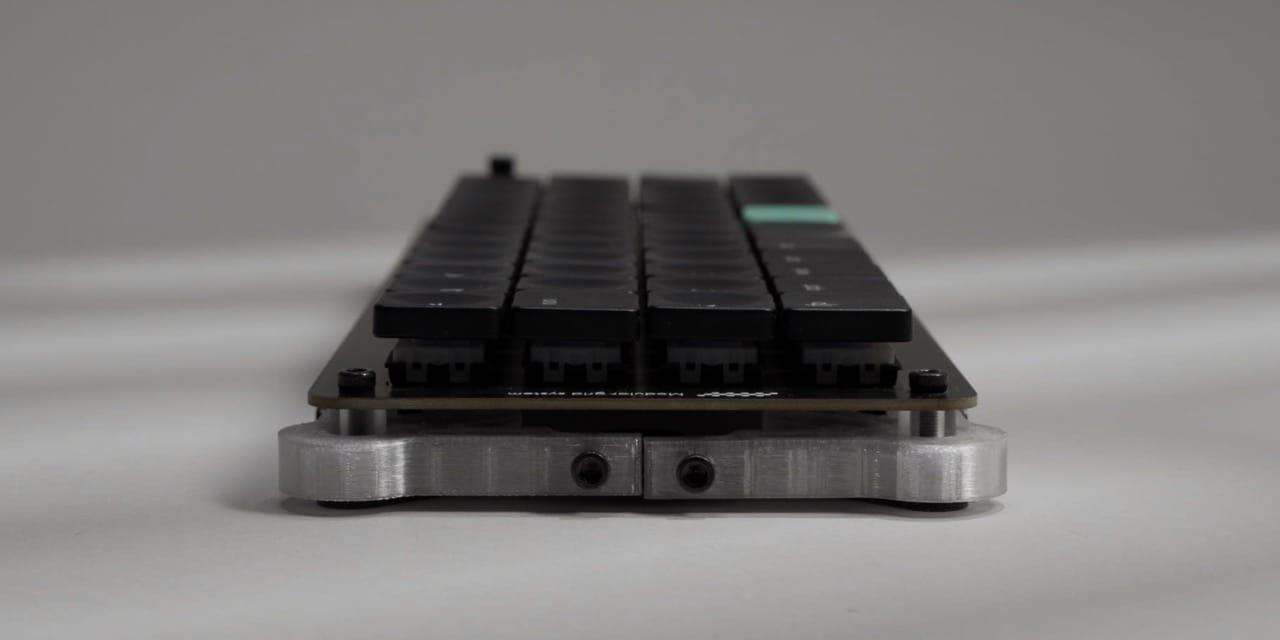
So post assembly customization is easily done. However, I don't think there's any need nor possibility for that either. You see, the switches aren't hot swappable. They are soldered in, and need to be, as there's nothing else holding them in place otherwise. After all, we are essentially looking at a PCB with 3D printed feet attached.
On closer inspection though, we have custom keycaps which feel like another iteration forward from the ones that I had on the NomadE. A bit sturdier, a bit more consistent, although I still ended up switching to the previous ones on the account that I just like the look of printed caps over blanks. It is totally not because I sometimes still have to look down.
Then there's the knob, which is a bit shorter and carries a curvature as opposed to the original ones from the Creator. They use the same socket though, so they are backwards compatible too, and I do prefer this type over the little flimsy ones found on the NomadE. By default I believe it changes the volume, or at least I have it configured as such, with a press triggering play and pause. I never use it for more than this, as they rarely if ever deliver the fine granular controls I would need, or the ones dedicated hardware like a mouse, trackball or trackpad could offer. Even if you are free to assign it to pretty much anything you want.
Bright, Light And A Little Clacky
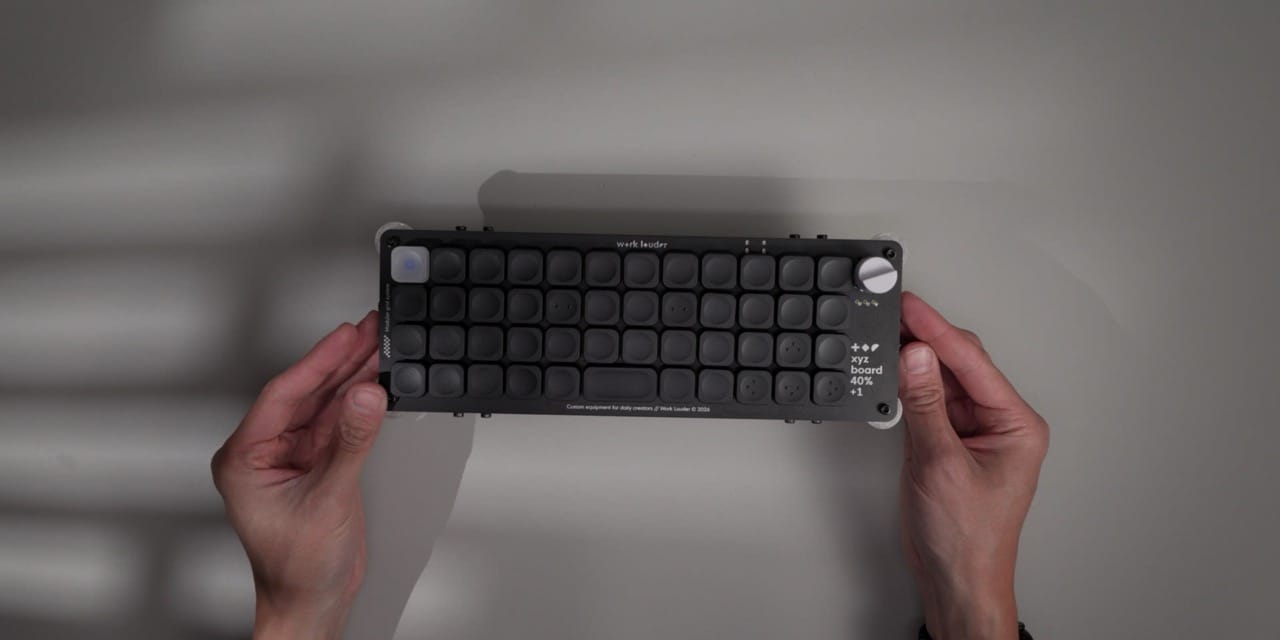
Something which can officially be customized, even though I end up never doing it, is RGB. Which I must admit is impressively bright on the XYZ. This is due to the fact that the board is perpetually naked, giving the LEDs an unobstructed blast radius to showcase the dirt on your desk, and to highlight WorkLouder's signature message.
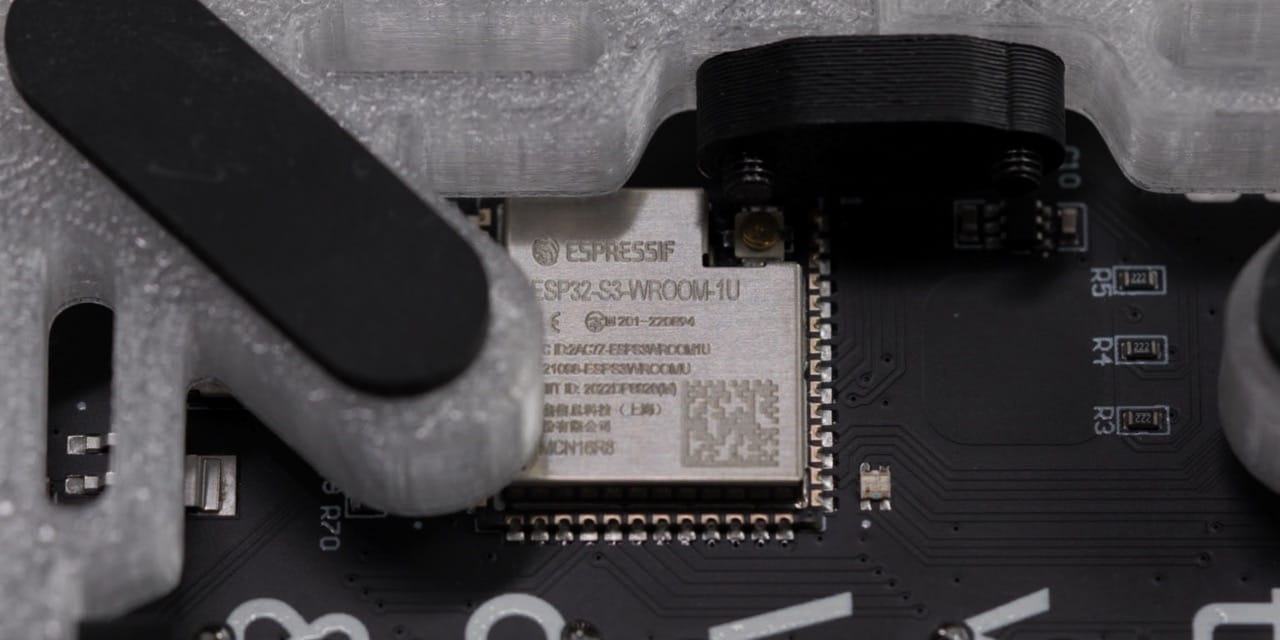
But more interesting than surface level propaganda is the chip, which is the same one found on the NomadE. It even includes the port for the antenna. The XYZ is not wireless though, but one might wonder if it could be converted to one, maybe with the help of the same connector that can be used to hook it up to the Creator base, next to the USB-C port on the back. There's certainly enough space down there for a battery, and it might even help with the slight weight issue the board has.
For once it's not about something being too heavy but rather, it being too light. At just 255g it's a featherweight, and thus it has difficulty staying in one place, especially in rough environments. The rubber feet do the best job they can but thicker cables might still push it around. Although, it has to be said, the included braided C to C cable is very nice and avoids this entirely.
One area where it is not the lightest or the most bare is in its height. It might not be fair to compare it to something like a Dygma Sonsei, which punches in an entirely different league. But even compared to the NomadE, which is packed to the brim with features including a full enclosure, it's taller, noticeably. Typing still felt fine though, but if you're struggling with incline, there's no way to adjust this. Of course you could always 3D print a different set of feet, but by default its feature set has plateaued.
The sound signature unfortunately shares the same fate. Since there is no case, no foam, and nothing behind the switches to catch or dampen anything, it gets a little clacky. Every press is released and echoed out into the world in full, with a slight hint of scratchiness. The latter of which might be caused by the only switch option the board ships with, 50g linears. This is one occasion where I truly missed the full sound of the old days, where every key stroke felt like pure satisfaction.
What I did prefer though is the layout, even though I am quite partial to column staggered keyboards these days. Which this one is not, it's ortholinear, meaning the keys are level across the board. But I still found myself breezing through my work with no issues, especially after I freed the two cellmates.
Input, And Its One Broken Promise
Speaking of, let's talk about jail. I mean, software.
The XYZ doesn't support QMK or VIA and instead uses WorkLouder's own configuration app called Input. I have kind of gotten used to this scenario, as in recent years and especially with my move to split and ergonomic keyboards, dedicated apps seem to reign supreme. Although I wouldn't classify the XYZ as an ergonomic keyboard.
In Input's defense, it's not that bad. It contains the usual suspects such as per key mappings, custom layers, actions which is their version of combos, and multi actions which are essentially macros. Why all these companies have to rename these functions is beyond me, but working, they all do pretty much the same. The same goes for the RGB customizations, which I've seen much more advanced versions of, and also more limited ones, and like the board itself, it sits somewhere in the middle.
There is one headlining feature of Input, at least for me, that got me very curious though, and it's the ability to link a layer to a specific app. In theory this allows you to create app specific keymaps that automatically switch on when the respective app is active. I say in theory because there is one crucial step missing here, the layers don't switch back.
This was another head-scratching moment, because it kind of makes this feature useless to me. Instead of manually activating the base after an automatic switch I'd rather manually activate it in the first place. It feels much more deliberate than sharing the responsibility with an automation. You could sort of work around this by assigning the base layer to something like Finder or another frequently used app in order to reset the layers, but this felt kind of iffy on a day to day use.
After this setback, I almost didn't tackle the spacebar issue, but I'm glad that I did, because here I was able to make it work like I wanted. Well, not me really.
Freeing The Second Spacebar Switch
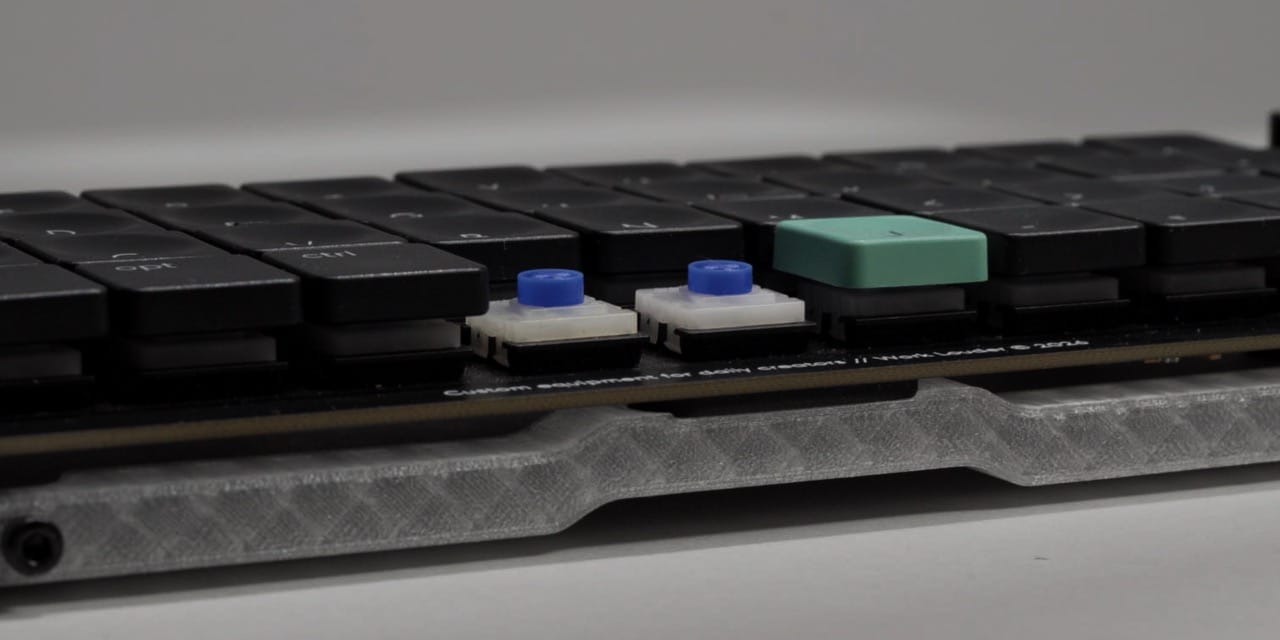
The spacebar, or rather the two switches beneath it, might be the biggest hardware difference apart from the chip to the original Creator. You see, one of my main gripes there was the very unstable implementation of the only keyboard input that fully represents my thoughts and dreams. Here the necessary stability is given by way of the two switches that carry the load. As someone who has since been inducted into the halls of split, I immediately had the idea of repurposing this second switch for dual wielding.
The problem is that the second one isn't doing anything and simply exists as the world's most overkill stabilizer. WorkLouder also seems to fully commit to this, there's no acknowledgment of its existence. Even the specifications advertise the board as a 47 key unit, while in reality, it's actually 48 keys.
But having spotted the hardware wiring I wondered if I could break into this software prison. After a little probing around, I eventually found the configuration file of the board, as the Input app kept one on my local machine as backup. In here the bottom row configuration shows that the first key is assigned the function KC_SPC, which is the key code for the spacebar. And surprisingly, next to it was a configuration as well, KC_NONE. This is good news, because this means that this switch which does nothing is actually told to do nothing, rather than not existing at all.
But changing the configuration in here won't actually free the switch, the real unlock is found deeper in the file. It's a line which doesn't have anything to do with the keyboard itself, but rather with how Input displays the XYZ in the app, which by default forces the UI to merge both spacebar switches into one. This, this is the artificial prison holding the second switch captive. But with a little help, and by a little I mean entirely, Claude Code managed to find a way to override this limitation, simply by deleting the line. Meaning there's no firmware flash involved, it only tells the app how to draw the keyboard the way it should have been from the start, with both switches fully assignable.
Now, in case you don't have access to Claude, I linked a little script below which does the change and reverses it too. All you need is Node.js along with the Input app. Of course, with the script you can first check the status, do the split and reverse it in case you don't like it. I did this a couple of times on my MacBook Pro, where I had to give terminal the permission to monitor input signals. But apart from this it worked without any issues.
I haven't tested this on Windows or Linux though, and even with me confirming it working on macOS, I'd still be cautious, this is vibe coded stuff after all. One thing of note, I don't know how this will fare with future Input or firmware updates on the board. I only tested this with version 0.1.2, which was current at the time of writing.
Now, this entire process was surprisingly painless, and considering my track record of breaking things rather than improving them, I'd say I'm quite happy with the results. One must acknowledge though, that this wasn't my brain's doing, it was Claude's, so maybe it working has less to do with me and more with my inevitable replacement.
More interestingly though, was the fact that everything was actually ready for this. WorkLouder built the actual software, they even had the UI elements ready, it was just locked behind bars for some reason. With it free though, it finally unlocked the board to its full potential.
A Different Drawer
So does this mean it's earned a permanent spot on my desk? Not quite.
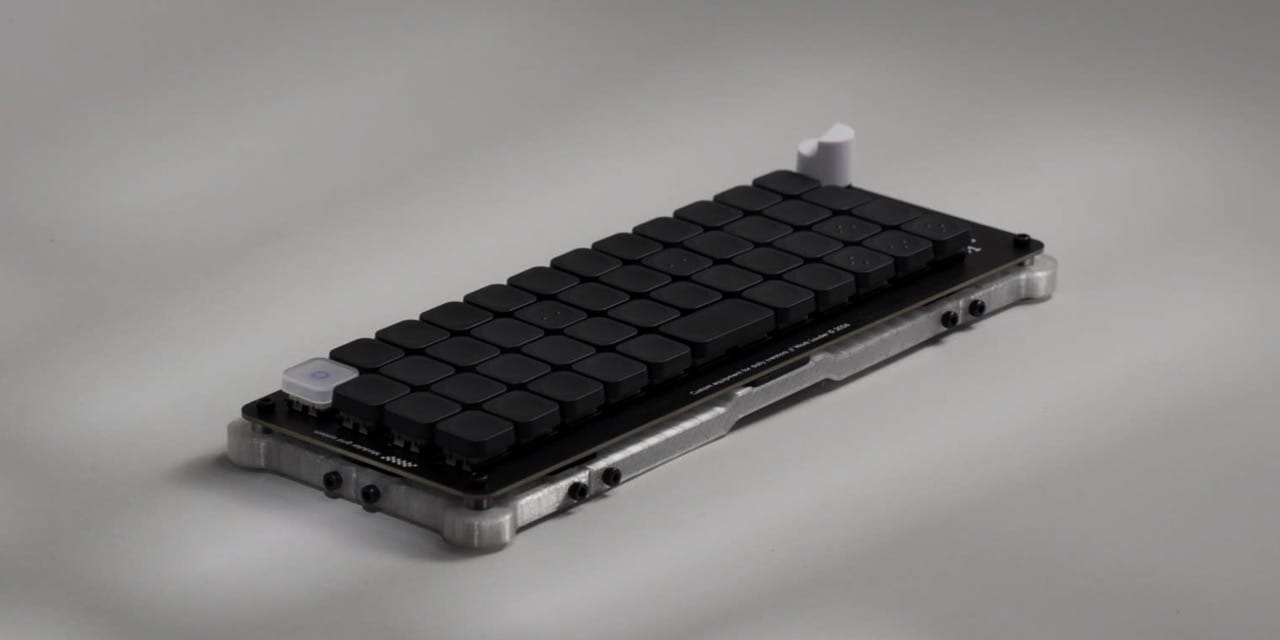
The XYZ is WorkLouder's most stripped down keyboard yet, but it still manages to keep the DNA of its older siblings alive through its design. Whether you like this look or not is up to you of course. I personally think the Creator board is starting to show its age and lost some of its vigor to time. However, I like the look of the XYZ, it seems to work for me, maybe the smaller form factor is just an unavoidable draw.
But with nearly everything gone that made the Creator unique, such as the hardware customization, or the NomadE's software promises, the XYZ now fights against the hordes of other keyboards that, for simplicity's sake, do exactly the same thing. They are keyboards to type on and nothing more.
And yet, I think this was the right decision, none of the past boards ever lived up to the promises that were made, this one didn't promise me a revolution, and thus, belongs to an entirely different drawer.
Mentioned Things
Pros
- Assembly is easy and the instructions are polished
- $89 kit includes keycaps, switches and the board
- Backwards compatible with the original Creator base
- Ortholinear layout (if you like this)
Cons
- 48th key locked out by Input's own UI
- App-linked layers never switch back
- No QMK or VIA support
- Can be too light at 255g
- Clacky and scratchy sound